
Getting Started
Dashboard Overview
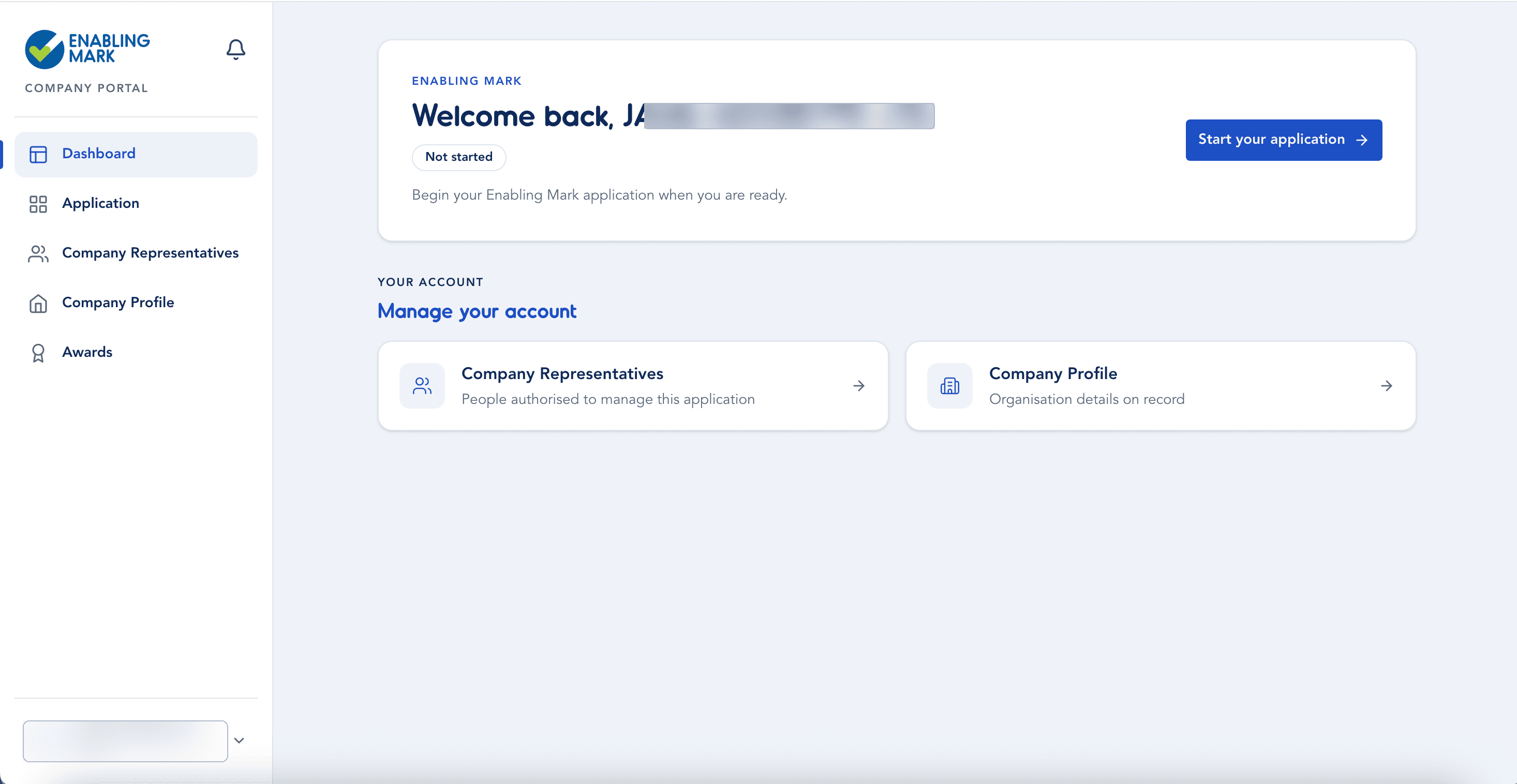
After logging in, you'll land on the Dashboard — your home base in the Company Portal.
Application Status
The top card shows the current status of your Enabling Mark application:
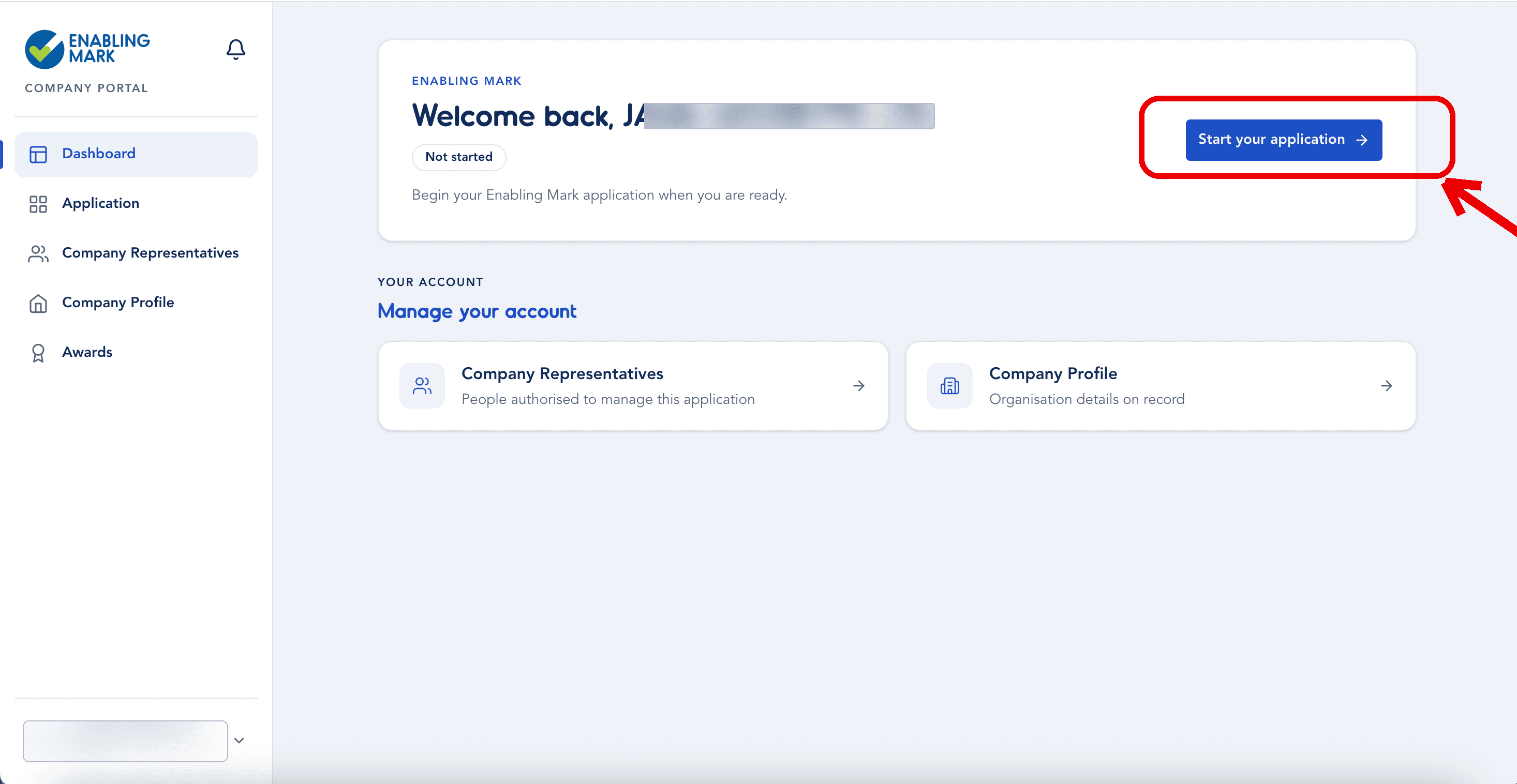
- If you haven't started yet, click Start your application to begin.
- Once started, the button changes to Continue your application — click it to pick up where you left off. Your application moves from In progress to Completed as you finish all 5 sections.
Manage Your Account
Below the application status, the Manage your account section gives you quick links to:
- Company Representatives — view and manage the people authorised to access and work on this application on your organisation's behalf.
- Company Profile — view and edit your organisation's registered details.
Sidebar Navigation
The left sidebar is available on every page and takes you to:
| Item | Description |
|---|---|
| Dashboard | This page — your overview and quick links. |
| Application | Your Enabling Mark application and its sections. |
| Company Representatives | Manage who has access to the portal. |
| Company Profile | Your organisation's registered details. |
| Awards | Your accreditation status and downloadable certificates. |
The bell icon (top right of the sidebar) shows portal notifications. Your account menu sits at the bottom of the sidebar — click it to access your personal account settings.
Last updated on