
Getting Started
Logging In
This guide walks you through logging in to the Company Representative portal.
Step 1: Open the Company Portal
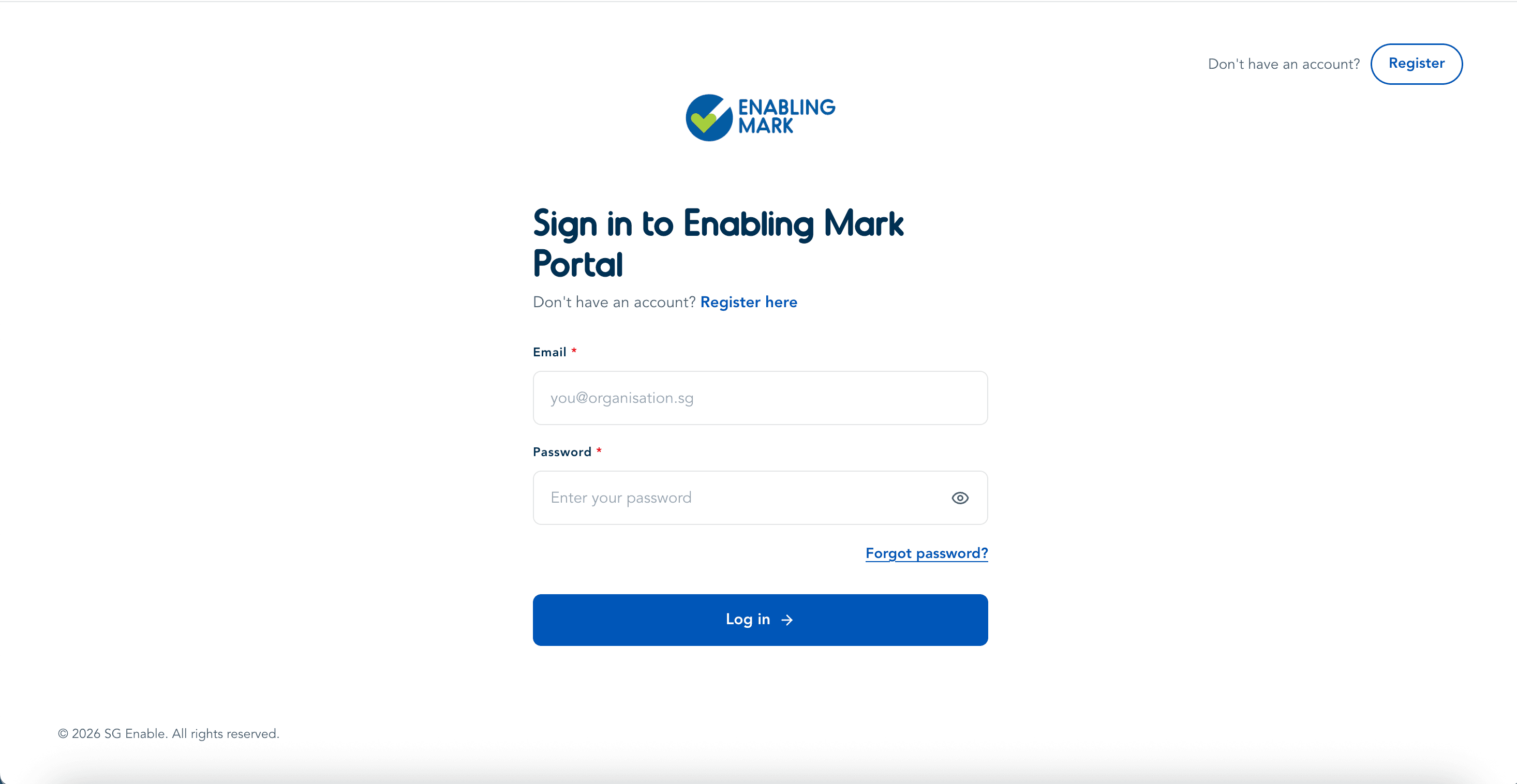
Navigate to the Company Portal login page.
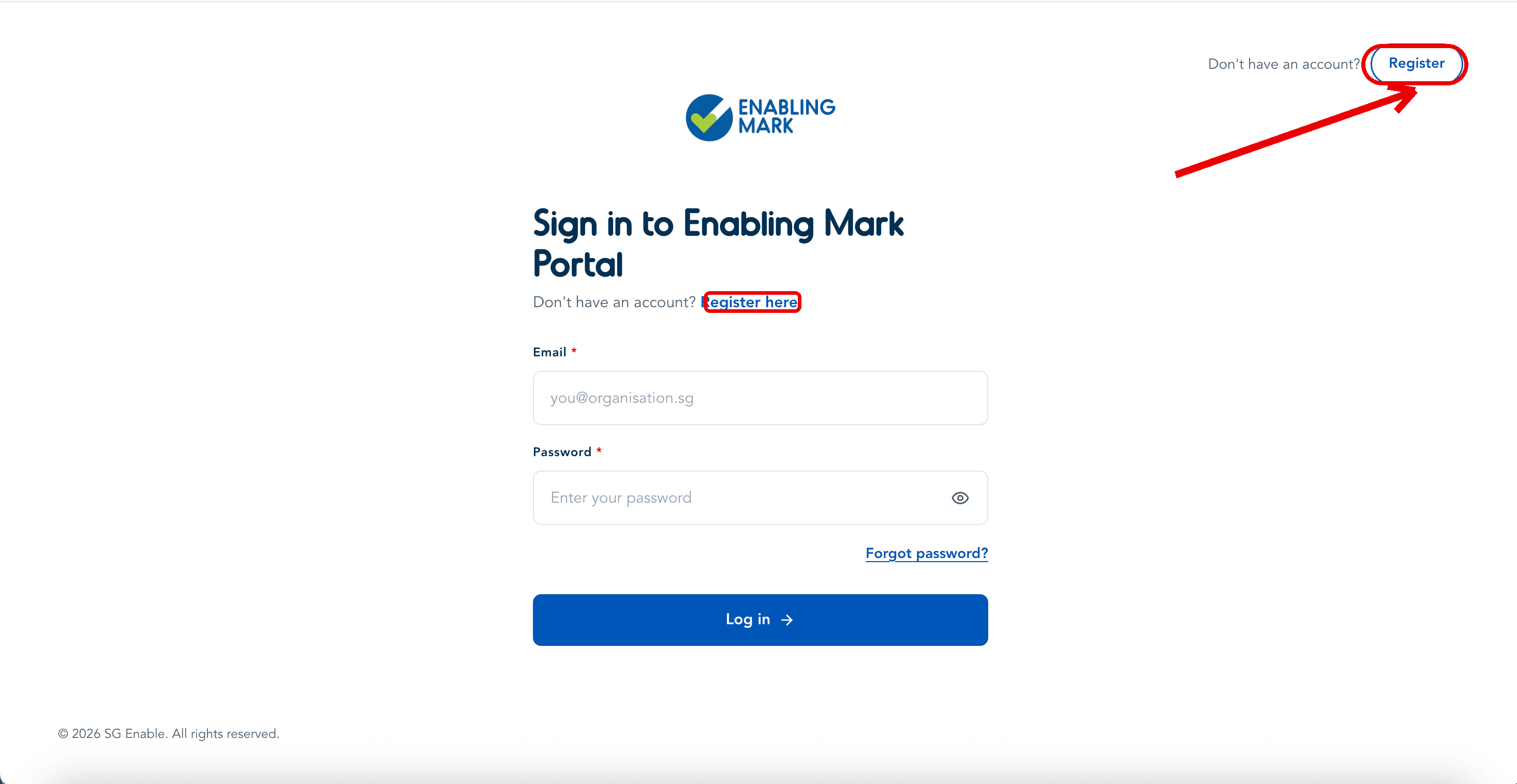
New company? Register first
If your organisation doesn't have an account yet, do not try to log in — click Register (top right) or the Register here link instead. Logging in is only for organisations that have already created and verified an account.
See Complete Your Profile for the full registration walkthrough.
Step 2: Enter Your Credentials
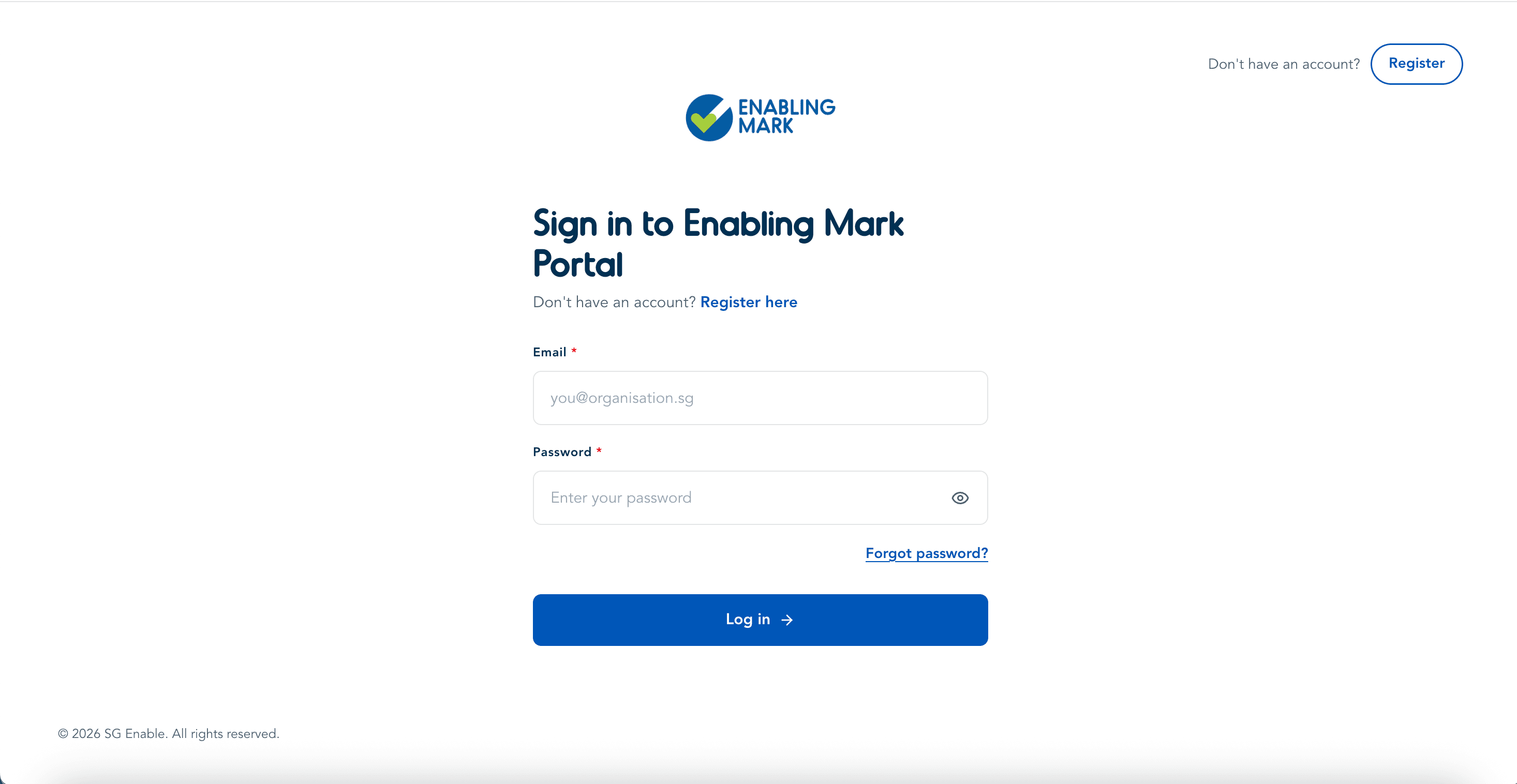
Enter the email and password associated with your Company Representative account, then click Log In.
Tips
- First time here? Don't log in yet — use the verification link sent to your email when you registered. That link takes you straight to completing your profile. See Complete Your Profile.
- Forgot your password? Use the Forgot Password link on the login page — see Resetting Your Password.
Step 3: Dashboard
Once logged in, you'll land on your company's Dashboard — see Dashboard Overview for what you can do from here.
Last updated on