
Company Representatives
Removing a Representative
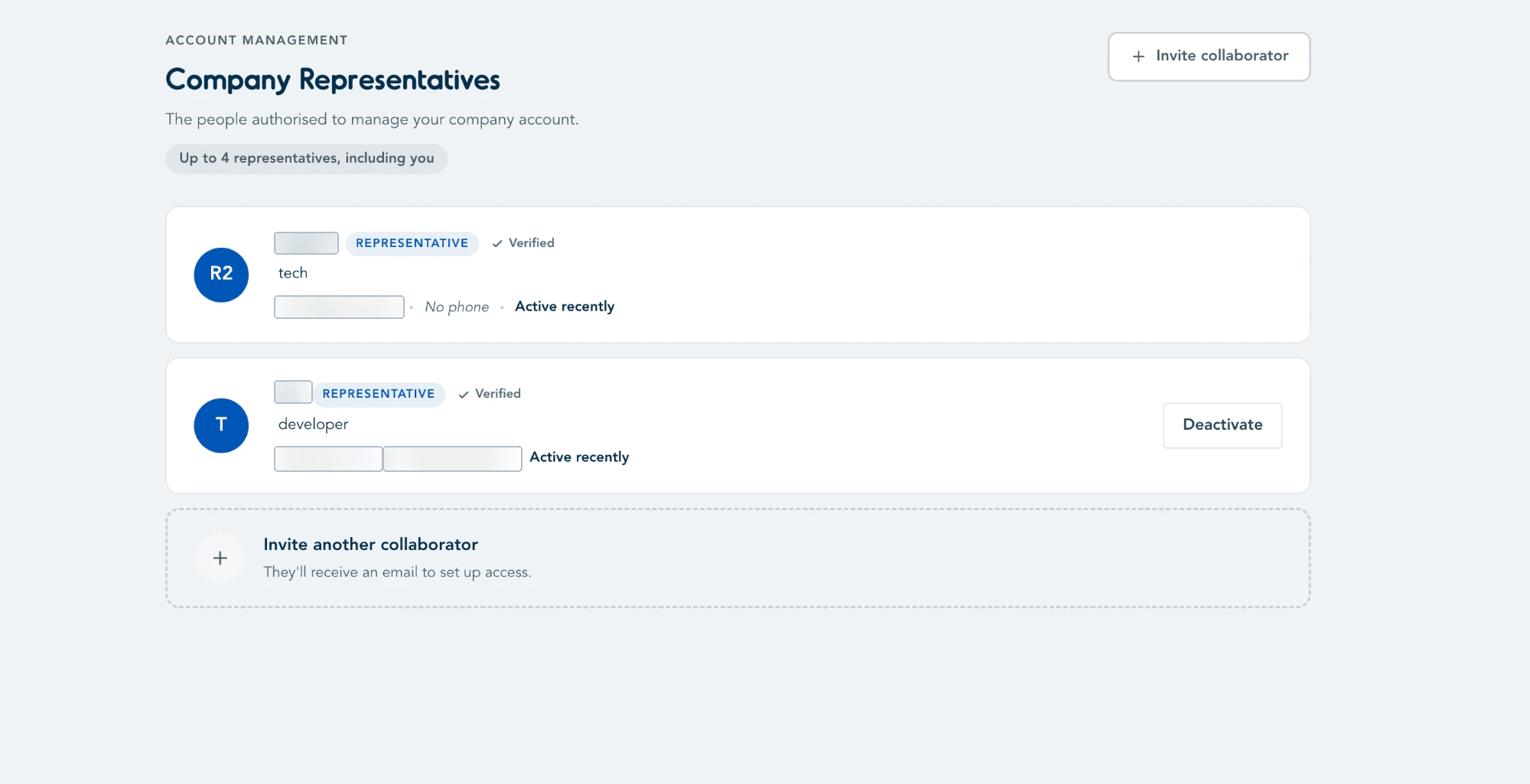
Once a representative has joined your organisation, any verified representative can remove another's access by deactivating them from the Company Representatives list.
Deactivating a Representative
Go to Company Representatives. Next to the representative you want to remove, click Deactivate.
Important
- Deactivate only appears next to other representatives — you can't deactivate yourself this way.
- A deactivated representative immediately loses access to the Company Portal. If they need access again later, they'll need to be invited again — see Inviting a Representative.
Last updated on