
Awards
Viewing Award Status
The Awards page shows your organisation's Enabling Mark accreditation status.
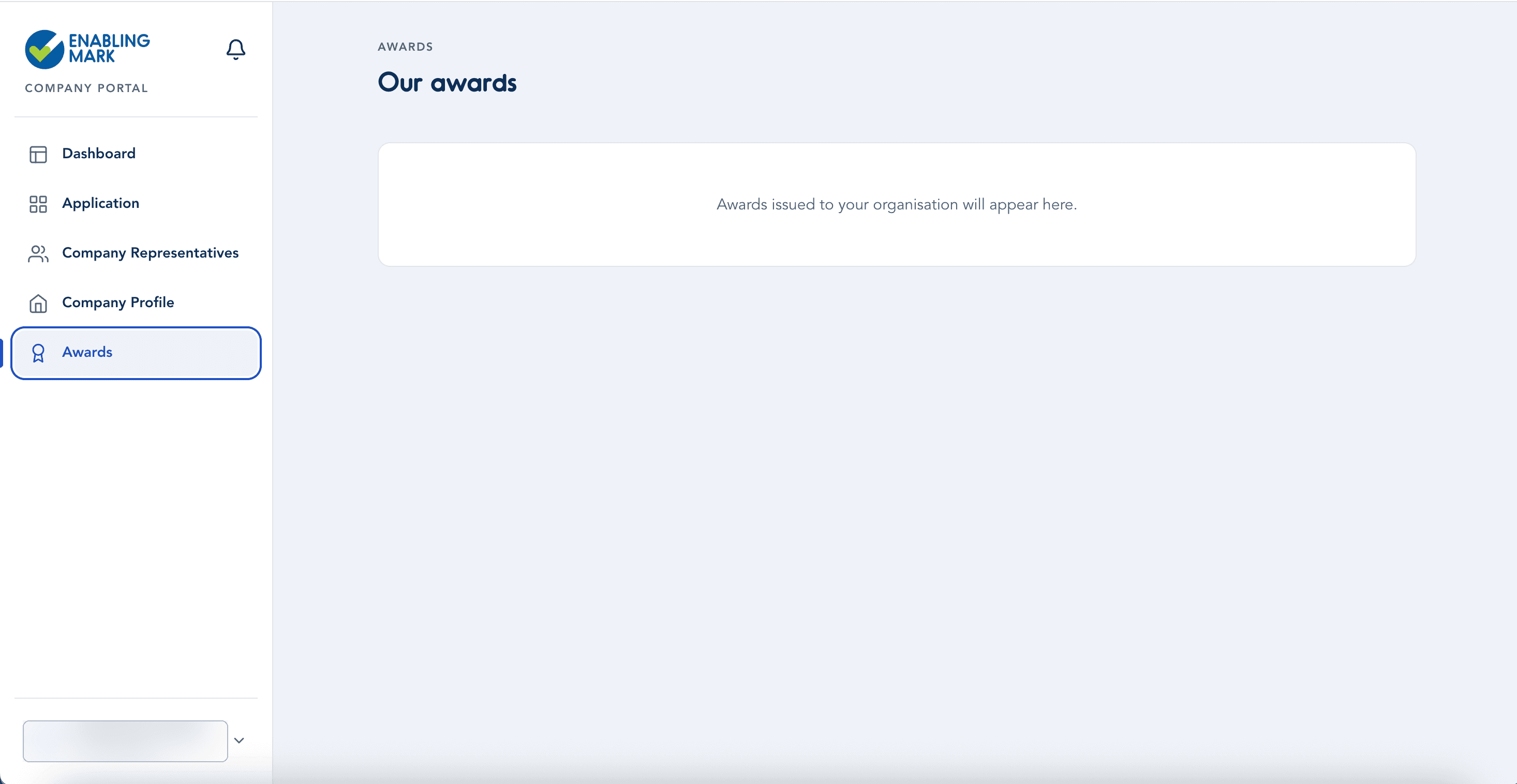
Before You're Accredited
Until your application is assessed and awarded, this page shows an empty state.
Once You're Accredited
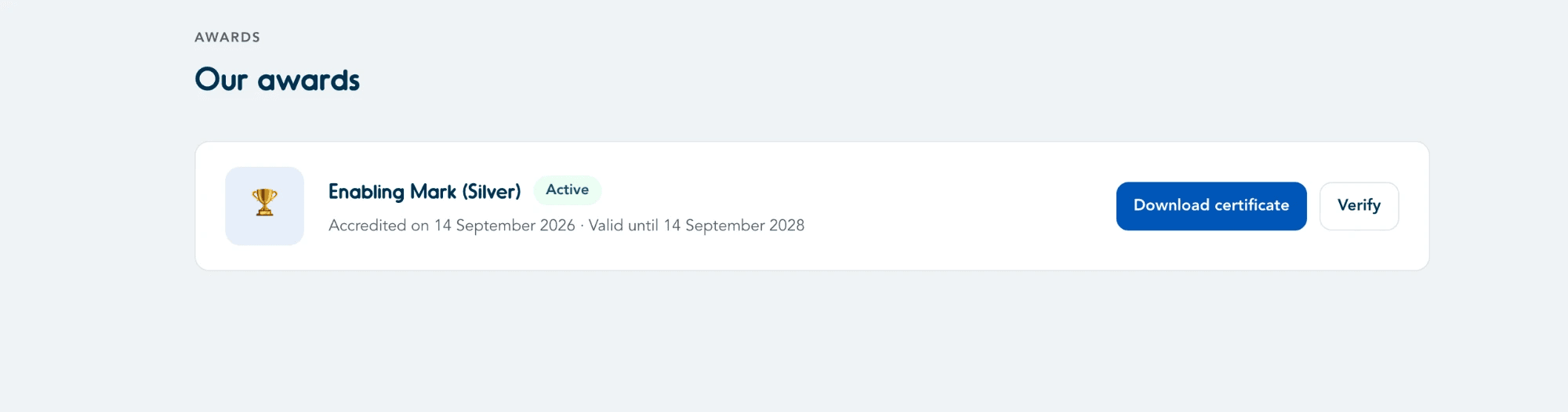
Once your organisation has been awarded, this page lists your award — its tier (e.g. Enabling Mark (Silver)), status (Active), and the accreditation and expiry dates. From here you can Download certificate or Verify the award.
Your award also appears on the Dashboard, where you'll find links to download your certificate and other accreditation documents — see Viewing/Downloading Certificates & Badges.
Last updated on